Designing AI-Powered Cybersecurity Solutions
Unit Theme: Cybersecurity and AI
Grade Level: Middle School (6–8)
Length: 2–3 class periods
Framework: Design Thinking + Makerspace
Essential Question: How can we design tools that help protect people from cyber attacks?
-
Objectives
Students will:
* Understand common cybersecurity threats
* Explore how AI is used in cybersecurity
* Apply the Design Thinking process to create a security solution
* Consider ethical implications of monitoring and security
-
Key Concepts
Cybersecurity threats:
* Phishing
* Password attacks
* Malware
* Social engineering
AI security tools:
* Spam detection
* Fraud detection
* Intrusion detection systems
Ethics:
* Privacy vs security
* Surveillance concerns
-
Materials (Makerspace)
* Cardboard
* LEDs
* Micro:bit (optional)
* Markers
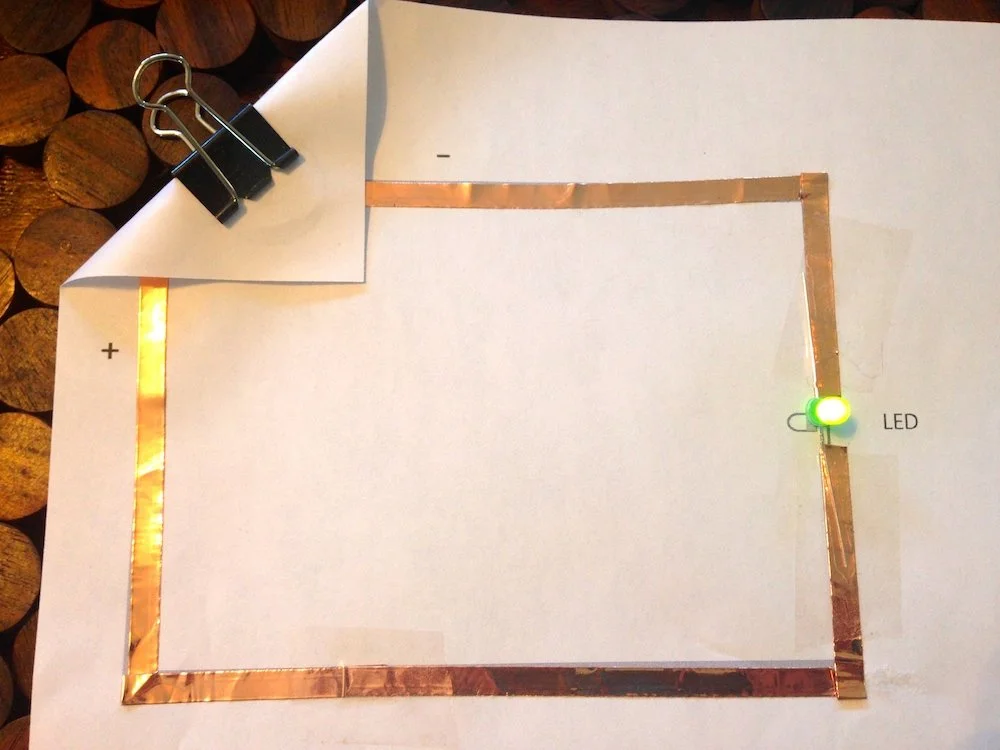
* Paper circuits
* Laptops
* prototyping materials
Lesson Structure Using the Design Process
1. Empathize
Scenario Activity
Students read a short scenario:
A middle school student receives an email saying their school account is locked.
The email asks them to click a link and enter their password.
Ask students:
What might happen if they click the link?
How might the student feel?
Who else could be affected?
Students discuss why cybersecurity matters for real people.
2. Define
Students write a problem statement.
Example:
Students often fall for phishing emails because they look legitimate.
Other possible problems:
Weak passwords
Unsafe downloads
Social media scams
Teams select one cybersecurity problem to solve.
3. Ideate
Students brainstorm AI-powered security solutions.
Examples:
AI phishing detector
Password strength analyzer
Scam warning browser extension
Smart email filter
Students sketch at least three possible solutions.
4. Prototype (Makerspace)
Students create a prototype of their cybersecurity tool.
Examples:
Phishing Detector Device
LED lights when a suspicious email is detected.
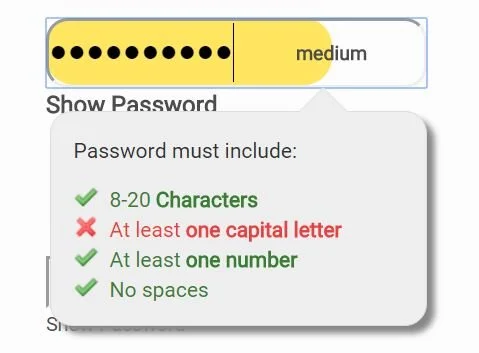
Password Strength Scanner
Device where users input passwords to check security level.
AI Scam Detector App
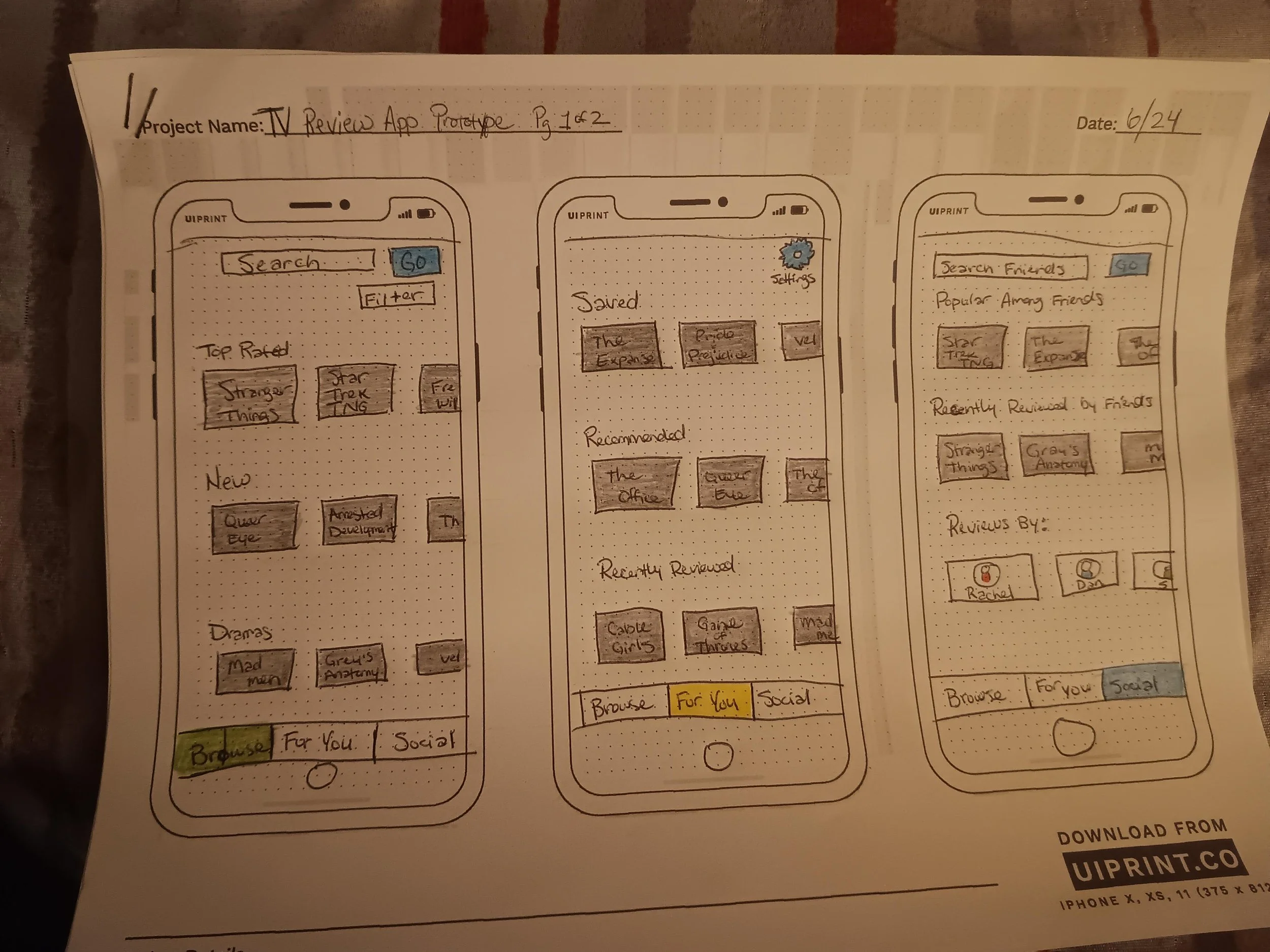
Interface mockup showing warnings for suspicious links.
Students build:
Physical model
Interface sketch
AI workflow diagram
5. Test & Improve
Students present prototypes to other teams.
Peer testers answer:
Would this tool help protect you?
Is it easy to use?
What improvements are needed?
Teams revise their designs.
Ethics Discussion
Students discuss:
Should AI monitor all emails for threats?
How much privacy should people give up for security?
Who controls security data?
Students write a reflection:
How can we design cybersecurity tools that protect people without violating privacy?